Aqua Vitae Woodworks
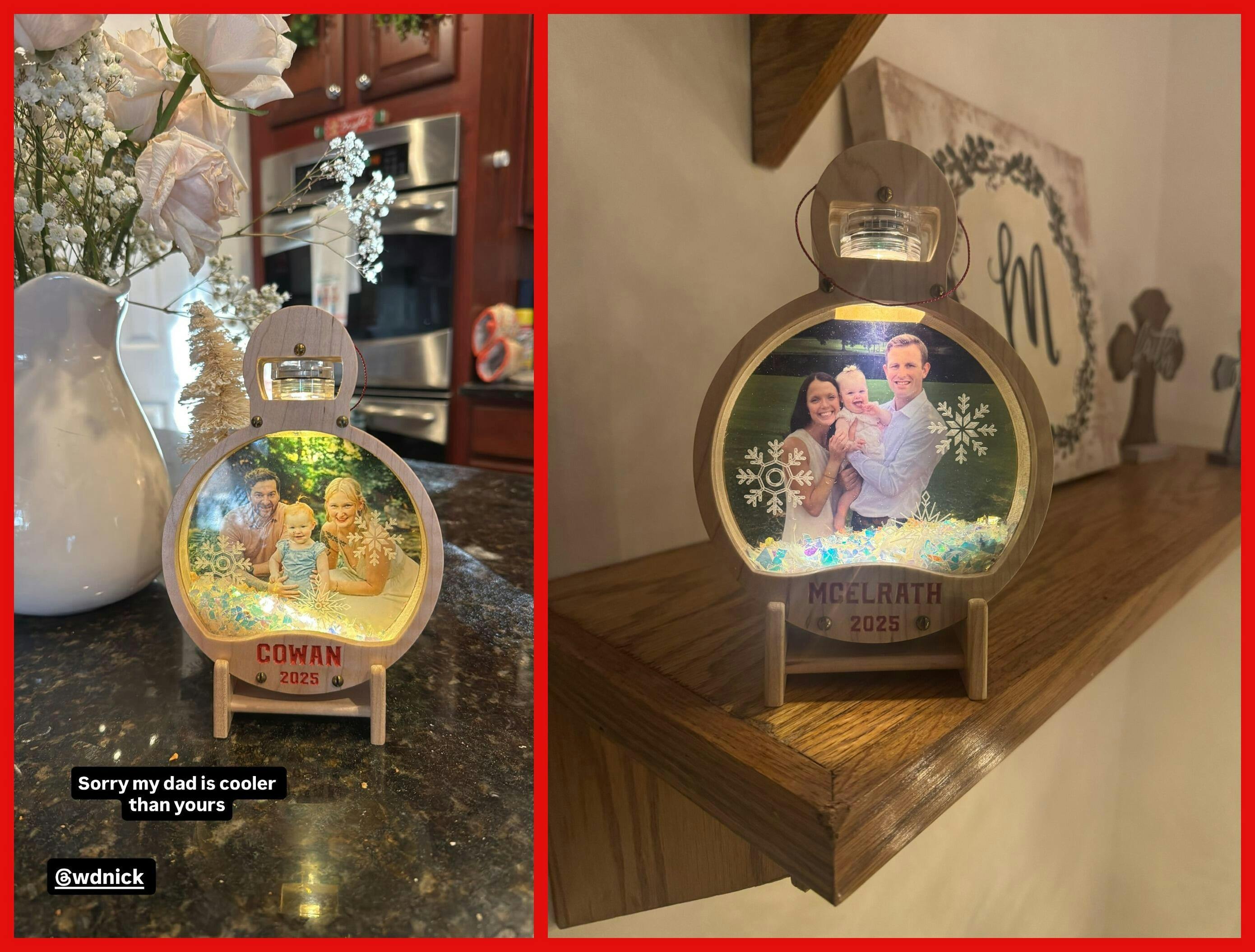
Light Up Picture Ornament
Light Up Picture Ornament
Couldn't load pickup availability
Full PDF Build Manual
READ FOR FREE HERE
Required Hardware (Affiliate Links):
Tea Lights: https://amzn.to/4hzp4KB
Fake Snow:https://amzn.to/47hsJtc
Ornament Ribbon: https://amzn.to/3Jk7WvP
#4 - ⅝” Screws: https://amzn.to/3JehBUJ
The Most Detailed CNC Files You Can Buy
- Included SVG files are compatible with all CNC router CAD/CAM software's and can be carved on any CNC machine.
- Detailed PDF Build Manuals walk you through every step of the process, no matter what your skill level. Click the link above to read them before purchasing!
- Make money by selling what you make. Use these plans to build and sell unique products to your customers.
Instant Digital Download:
- These are digital files only. No physical products will be shipped.
For Personal Use & Small Quantity Production Only:
- These files are intended for personal & small business use, feel free to make these and even sell a few. If you want to mass produce these please reach out for a commercial license.
Strictly No Sharing or Reselling of the Digital File:
- The digital files purchased from Aqua Vitae Woodworks are solely for the use of the purchaser. Sharing these files with others, including modified versions, is strictly prohibited.
- Reselling, redistributing, or any form of transfer of these digital files, whether in their original form or altered, is not allowed under any circumstances.
Share


Loved the files and instructions. Thank you.
I ended up modifying the files a couple ways, not because yours weren't adequate, but rather to suit my needs.
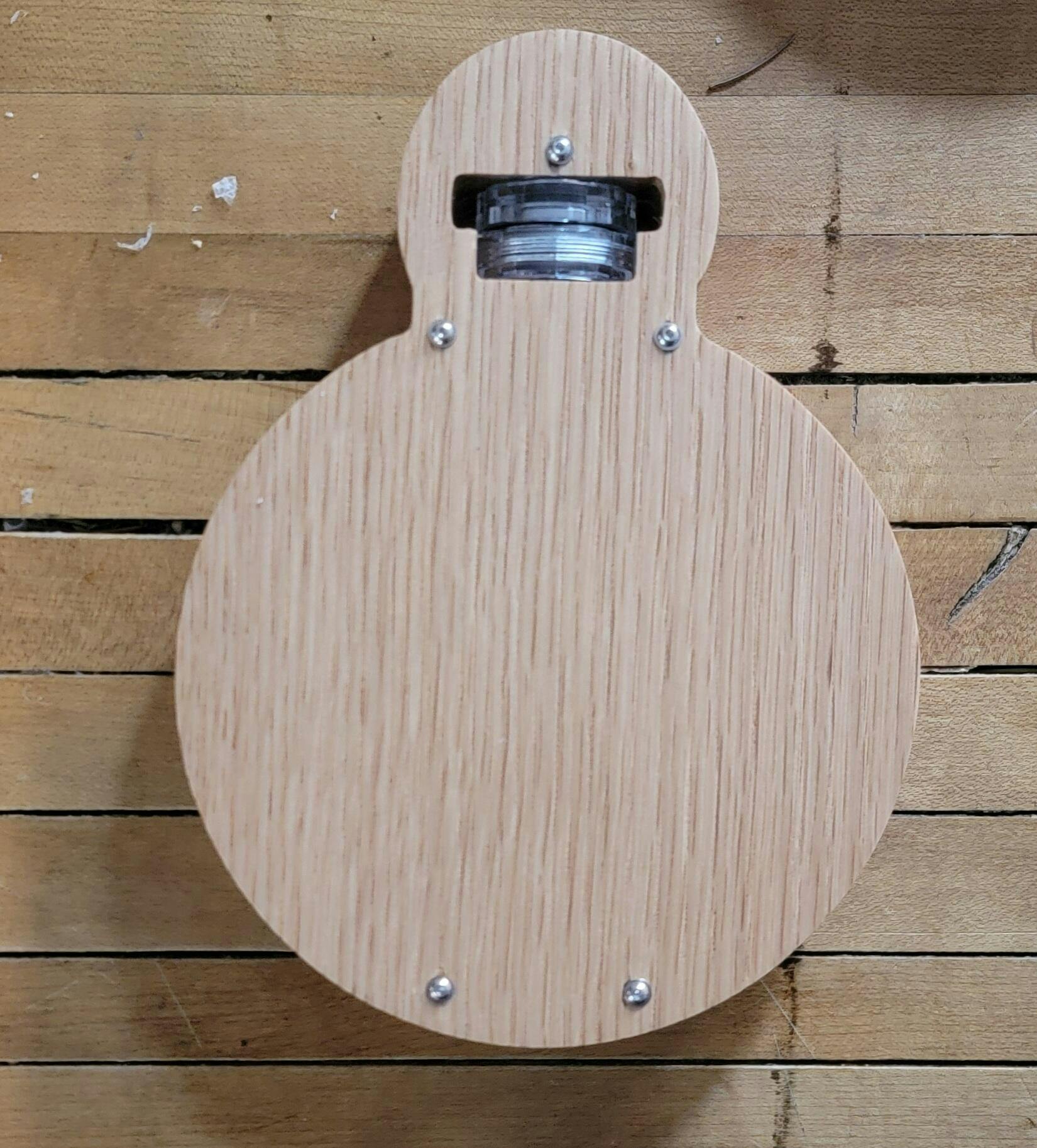
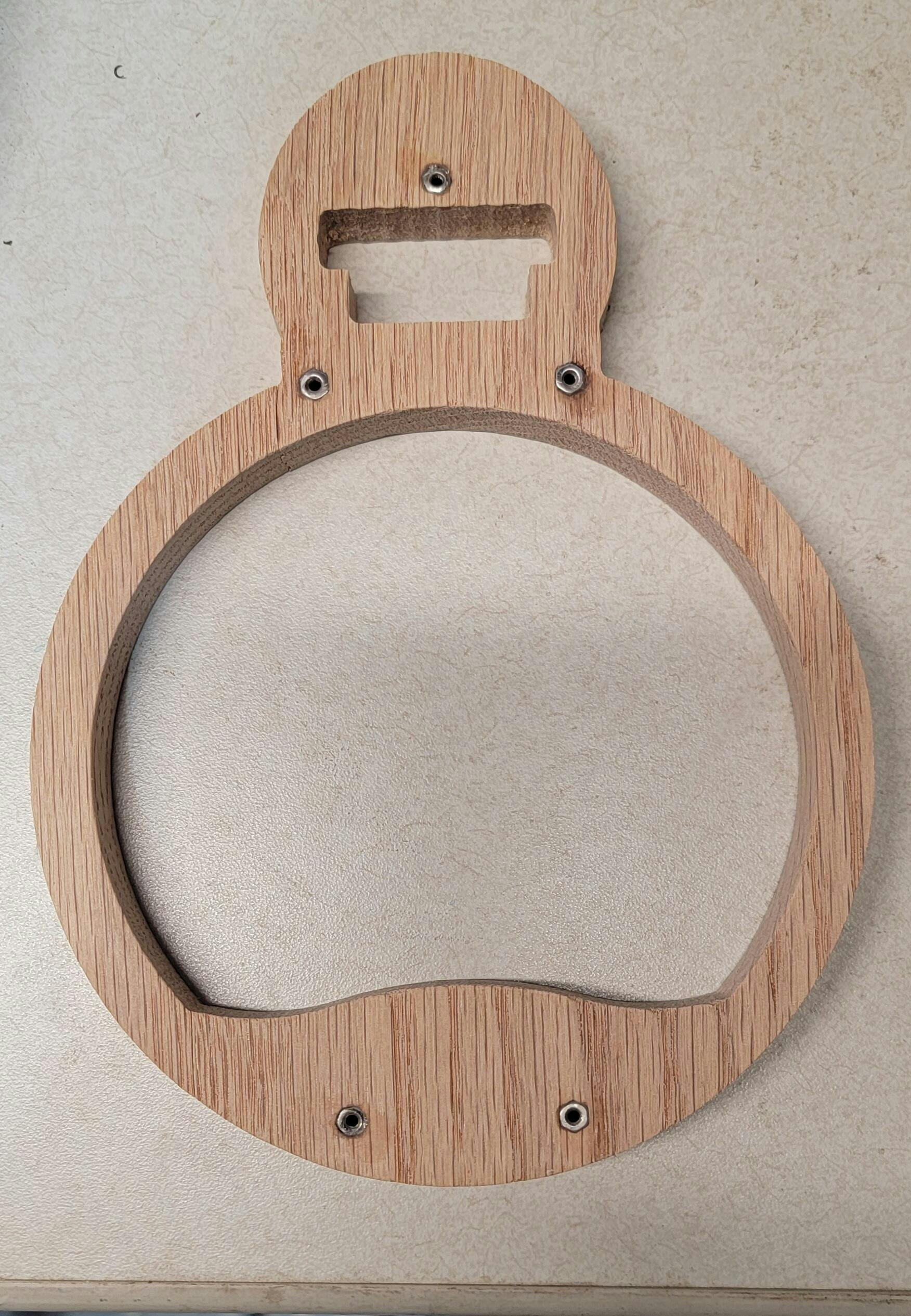
I shrank the bottom half of the tealight cutout so it traps the bottom and makes it easier to turn it on and off.
I reduced the depth of the cutout for the lightbulb on the bottom half and did away with on the top (to keep it from coming out of the gap.
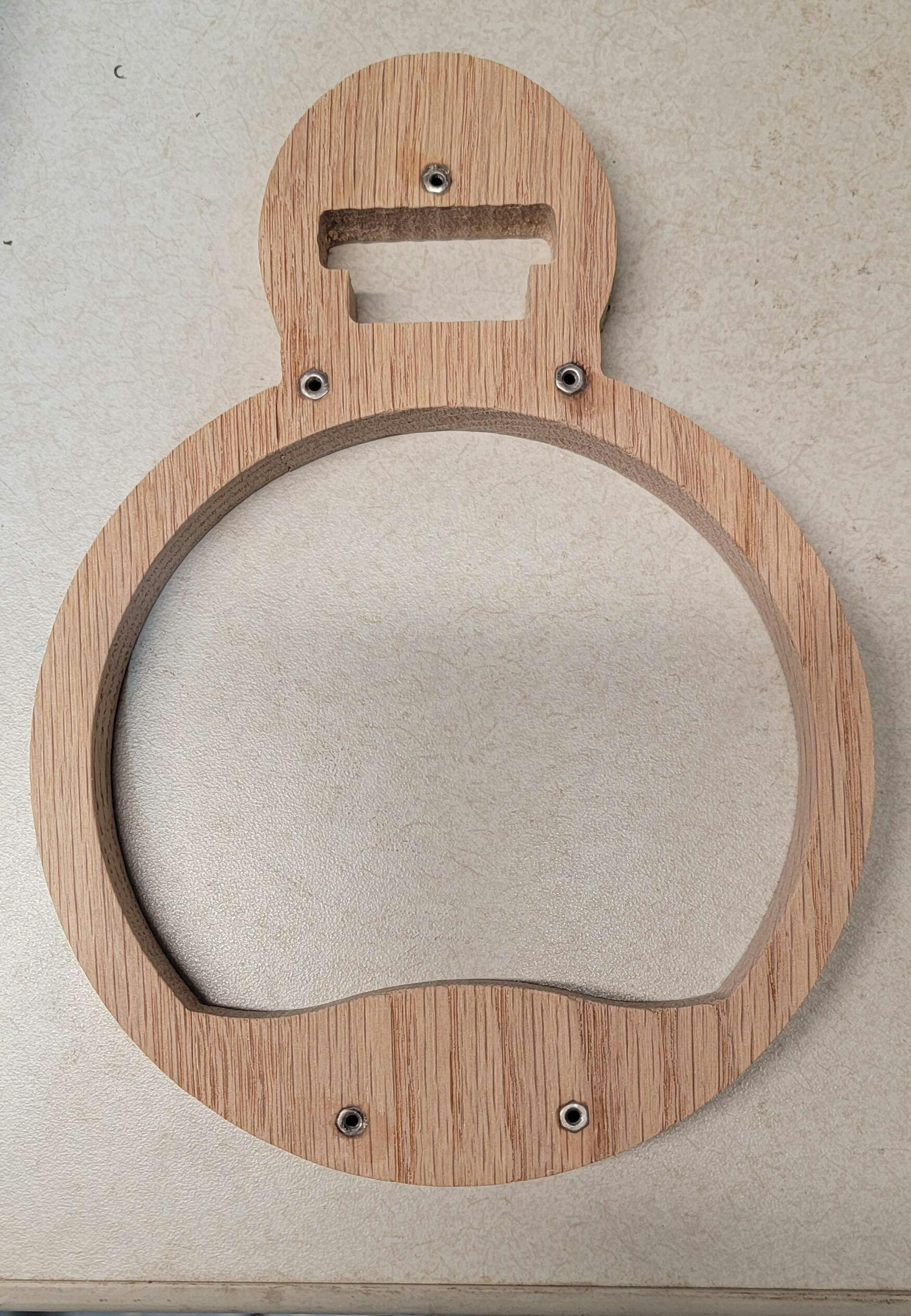
I made hex slots on the underside of the Top and extended the bolt holes all the way through the bottom so I can bolt the top down instead of screws through the front. (For visuals only).
In doing so i slightly enlarged the outer profile to make sure there was adequate room for the hex shapes.
I also purchased your amazing spinning challenge coin display files too, but haven't gotten around to making it yet.
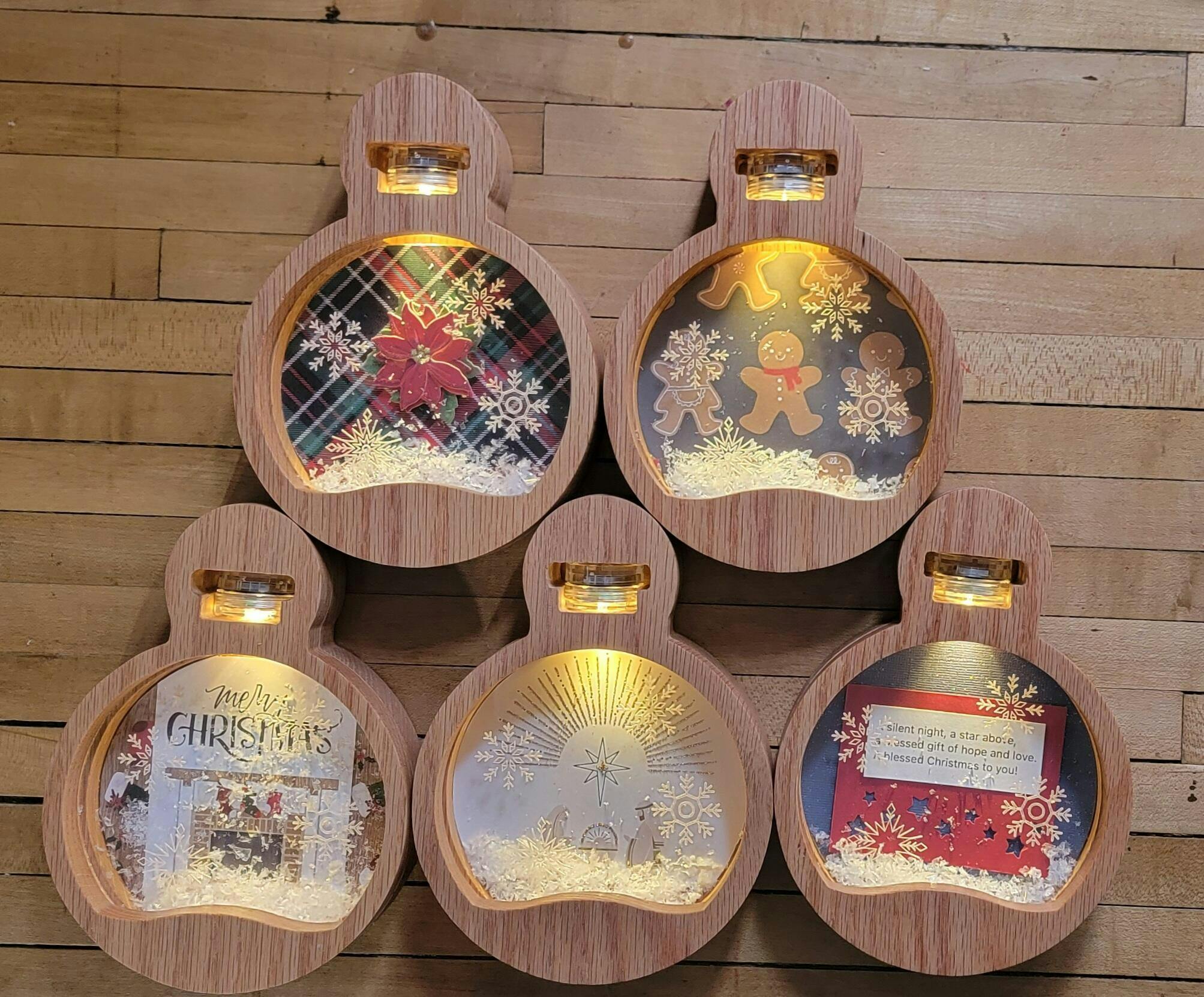
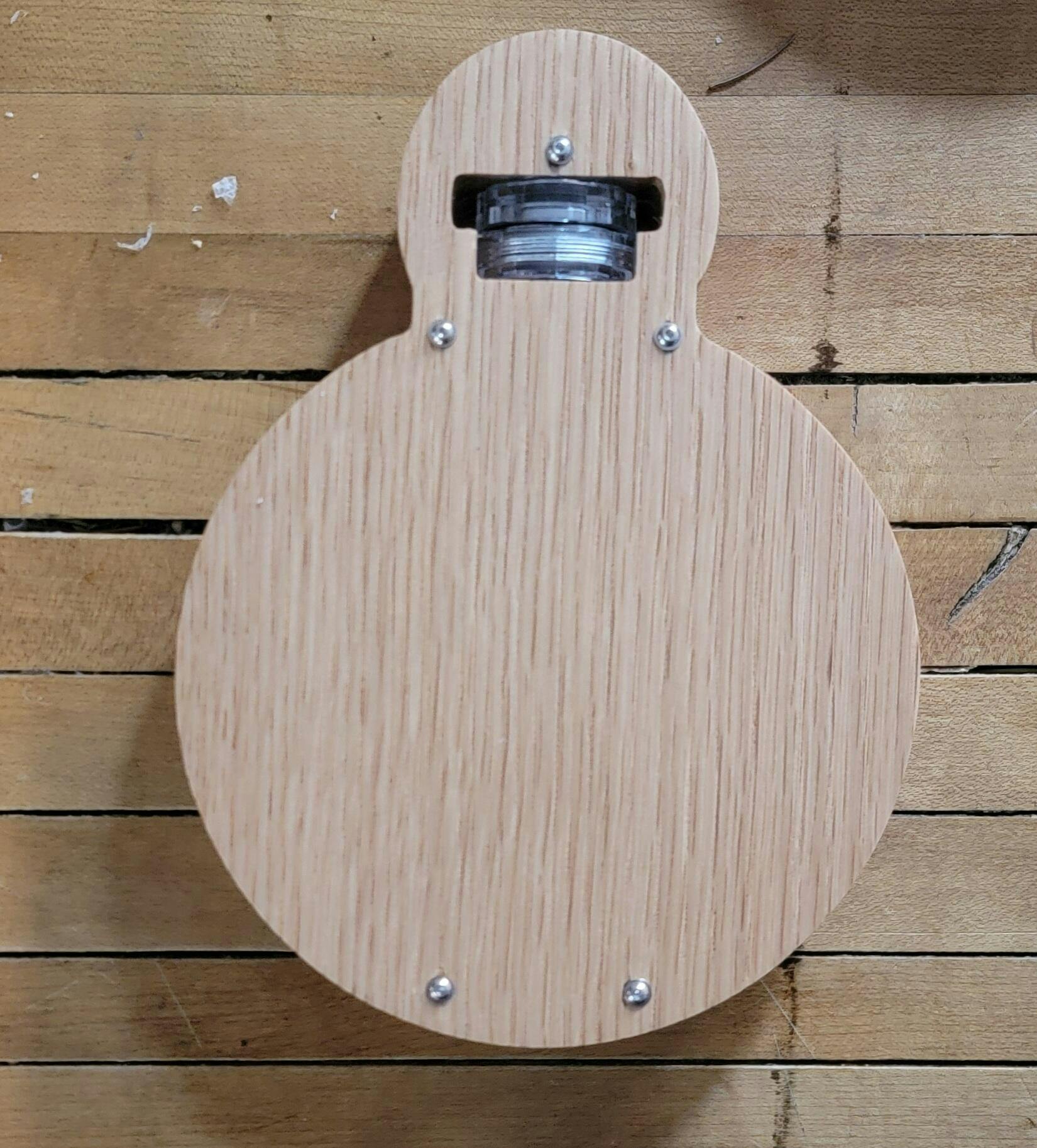
Great project. The instructions were very well written and easy to follow although I did change the programming a bit to suite my OCD and over engineering mentality.
I would suggest smoothing the vectors first if you're using VCarve as they come through in many short segments which required a bit of extra sanding on my first one.
Also, if you are etching the acrylic, take the time to verify where the faces are in your photos instead of taking the time to remake them like I did.